
Our previous blog discussed ways to overcome productivity barriers through self-care, a dedicated workspace, and effective communication. This time, we will delve deeper into 5 Common Mistakes to Avoid When Working Remotely:
Poor Internet Connectivity
A stable internet connection is crucial for a virtual assistant during work hours. One common mistake is not realizing that distance from the router can cause an unstable connection. The signal weakens as the device moves further from the router.
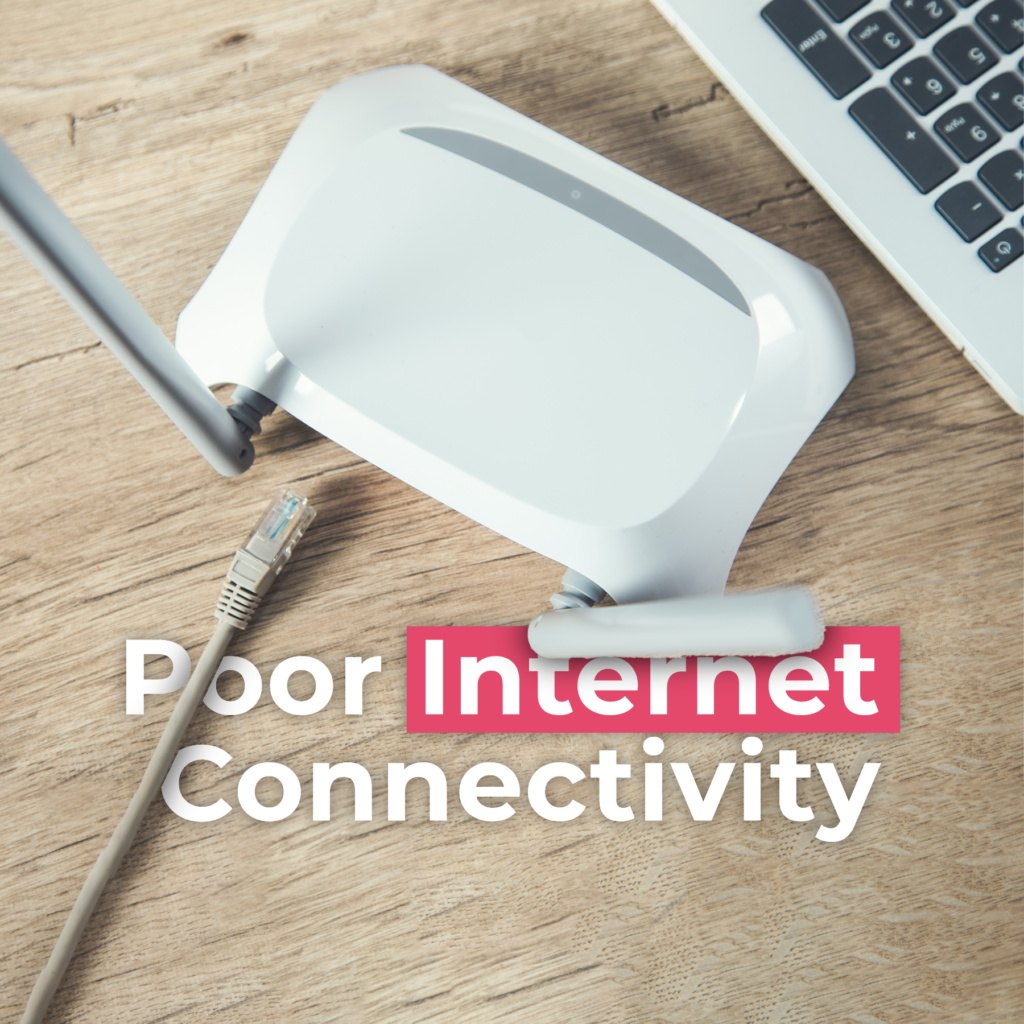
Did you know that physical barriers such as walls or furniture can also weaken signal strength?
Furthermore, multiple device connections can slow down network speeds due to congestion. The internet service provider’s infrastructure can also contribute to poor connectivity. Trying the following may help you if your signal is weak:
- Place the router in the center of your home for optimal signal strength
- Disconnect unnecessary devices to reduce network congestion
- Consider upgrading to a higher-speed internet plan
- Use an Ethernet cable instead of Wi-Fi
- Contact your ISP if connectivity issues persist
Outdated Hardware
Another common error a virtual assistant might commit is failing to recognize outdated hardware.
Outdated hardware refers to computers or electronic devices that are no longer supported by their manufacturers or have become too slow to execute their designated tasks.
Unfortunately, outdated hardware can significantly impact productivity and work quality.

Older hardware can cause slow performance, security risks, and limited storage capacity, making it difficult to access and save important documents. What can remote workers do about outdated hardware? Here are some solutions:
- The most obvious solution is to upgrade to new hardware that is faster, more secure, and has more storage capacity.
- Use cloud-based software which can help to avoid the limitations of outdated hardware.
- Optimize the settings of your software to make it run more efficiently on older hardware.
Audio or Video Quality
Remote workers may experience poor audio or video quality due to slow internet speeds, outdated hardware, or software issues. A common mistake that a virtual assistant could make is not realizing that their software might update manually.

Outdated software may not be optimized to work with the latest operating systems or hardware configurations.
Poor audio or video quality can have a significant impact on remote workers, making it difficult to communicate effectively with colleagues and clients, leading to misunderstandings and communication issues that can negatively impact productivity and job performance.
How to solve poor audio or video quality:
- Set up automatic updates for all software to ensure they are always up to date and running smoothly.
- Check for updates regularly and manually if automatic updates are not an option.
- Keep a record of software versions and updates to ensure all software is current and compatible.
- Make sure to restart the computer after any software updates to ensure they take effect.
Lack of Cybersecurity Measures
Remote workers often underestimate the importance of cybersecurity and the potential risks that come with working from home. At Job Duck, we regularly educate and inform our virtual assistants about these concerns. If you’re unsure about the risks or solutions, we’re here to support you.
When working remotely, cybersecurity becomes even more important because you are accessing company information from outside the office network.
The effects of cybersecurity breaches can be devastating for remote workers. Hackers can gain access to sensitive information such as bank account details, personal data, and company trade secrets. This can lead to identity theft, financial loss, and damage to a company’s reputation.
Fortunately, there are several steps remote workers can take to improve their cybersecurity measures:
- Use strong passwords
- Use VPNs
- Install antivirus software
- Keep software up-to-date
- Avoid public Wi-Fi
Backup Systems
Working as a virtual assistant, poor internet connection and power outages can disrupt the flow of work, and it can be challenging to get back on track once the connection is restored. Some remote workers may simply assume that nothing will go wrong and that they don’t need a backup system.
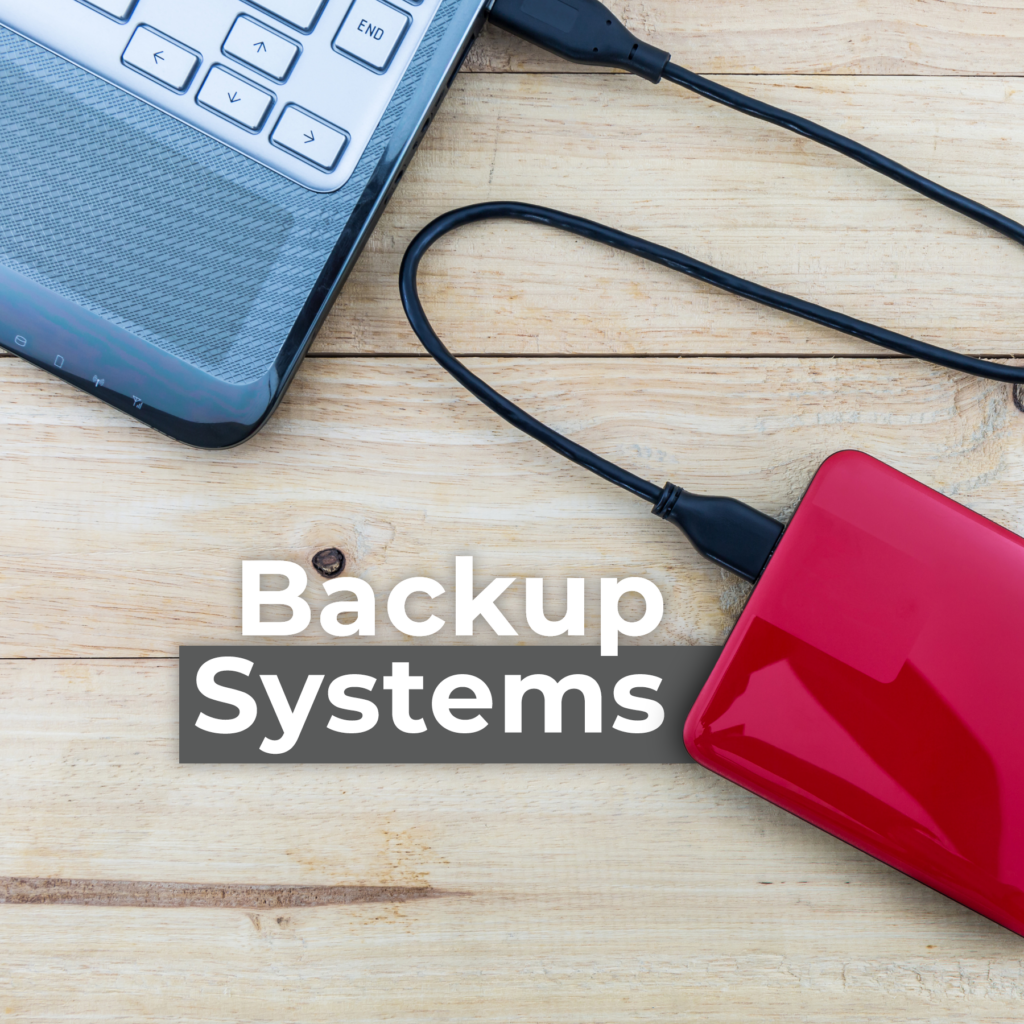
The effects of not having backup systems for a remote worker can be disastrous.
It may result in missed deadlines, incomplete projects, and decreased productivity. As a result, you will be less motivated and less confident in your ability to complete the work to your fullest potential.
Here are ways to solve these issues:
- Look into options such as getting a backup hotspot or having a backup internet connection from a different service provider.
- For power outages, one can invest in an uninterruptible power supply (UPS) or a generator to keep the power running during outages.
Conclusion
By following these tips, we’re confident that these five common mistakes will be a thing of the past. We hope you found these tips helpful. If you know someone who could benefit from this advice, please feel free to share this article with them. Interested in our career growth opportunities? Click HERE to apply now!






7 Comments
HI. i really find these tips very helpful as i,am someone who is looking into sending my application for an online job vacancy ,One has to prepare himself proficiently before attempting the application, hence these tips come in handy.
thank you
Hi,thank you for your usefull tips..it really helps alot..ive allready applied for a job on jobduck.
I would like to thank you for the daily updates and the tips shared.
When applying for a remote position I would like to be absolutely prepared to give my best and following your suggestions, has given me more insight as to how I can achieve the best for both the client, the company and my personal growth.
Many thanks for your time and efforts, it is highly appreciated.
Warm regards.
Elaine Swanepoel